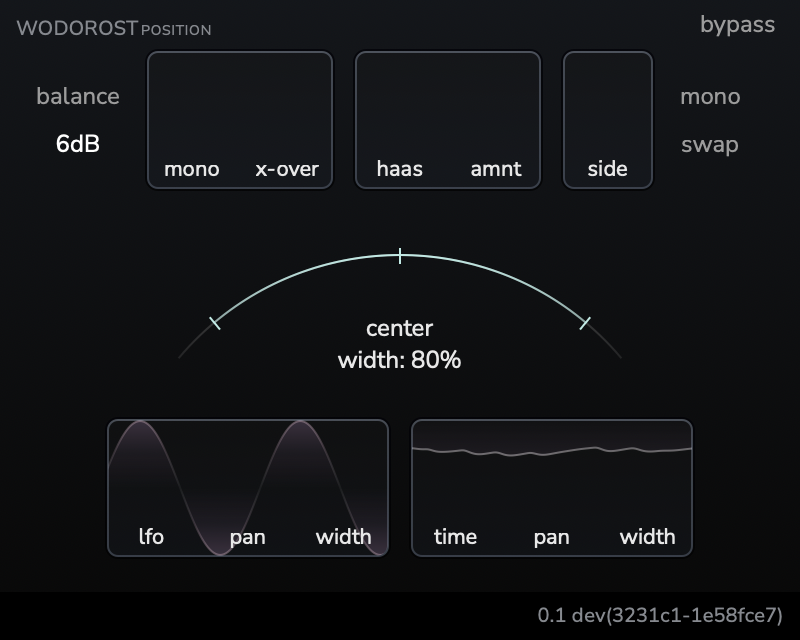
With the Wodorost Position, you can place your tracks in space and add movement to them. This plugin uses the psychoacoustic phenomenon known as the Haas effect to create a more immersive panning experience, especially when using headphones.
Animate the stereo image with LFO and dynamic modulation to make your mix more engaging. Add movement to instruments, vocals, or mix bus with an intuitive interface. Enhance vocal presence, extend stereo sources, add spatial interest to pads, and design unique stereo effects.
Adjust the width and position based on the track's volume envelope. Narrow and make quieter parts more intimate, while making louder parts spatial and open.
Haas effect allows you to create a more immersive stereo field by adding a small delay to one channel, simulating the way our ears perceive sound.
If you feel that the sound is not wide enough, you can adjust the balance between the mid and side channels. After that, press the "mono" button to quickly check if the mid channel is adequately present.
Create a more spacious mix without sacrificing the power of your bass or kick drum, and without compromising mono compatibility. Use the crossover to preserve the low end while widening the higher frequencies for a more natural sound.
A side effect of using the Haas phenomenon is the occurrence of comb filtering when listening in mono. While this effect can be a good thing in some contexts, it typically results in reduced energy and a thin sound, particularly in the low-end. To address this issue, Position gives you a crossover that preserves the low end and applies the Haas effect only to higher frequencies, which don't experience much damage from this effect. This ensures that your mix translates better across different systems. There is also a "mono" button that allows you to quickly verify that the sound hasn't lost impact, as well as a correlation meter that helps you identify problems quickly.
No dongles, no iLok, no account creation. Just download and use.
MacOS with Apple Silicon processor.
A DAW supporting AU, VST3, or CLAP plugins.
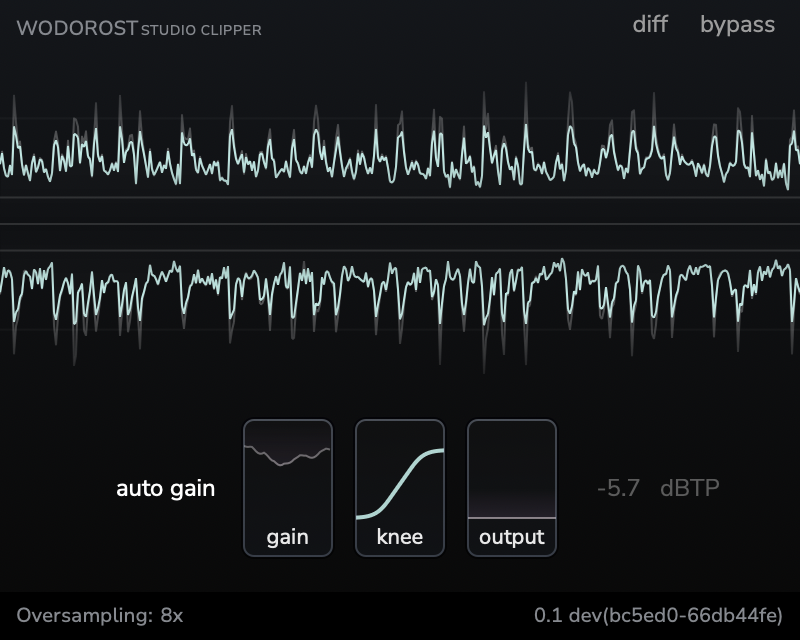
A transparent clipper plugin for mastering and mixing. Control transients, increase loudness, and add character to your tracks with precise clipping algorithm.
Learn more